Notifications
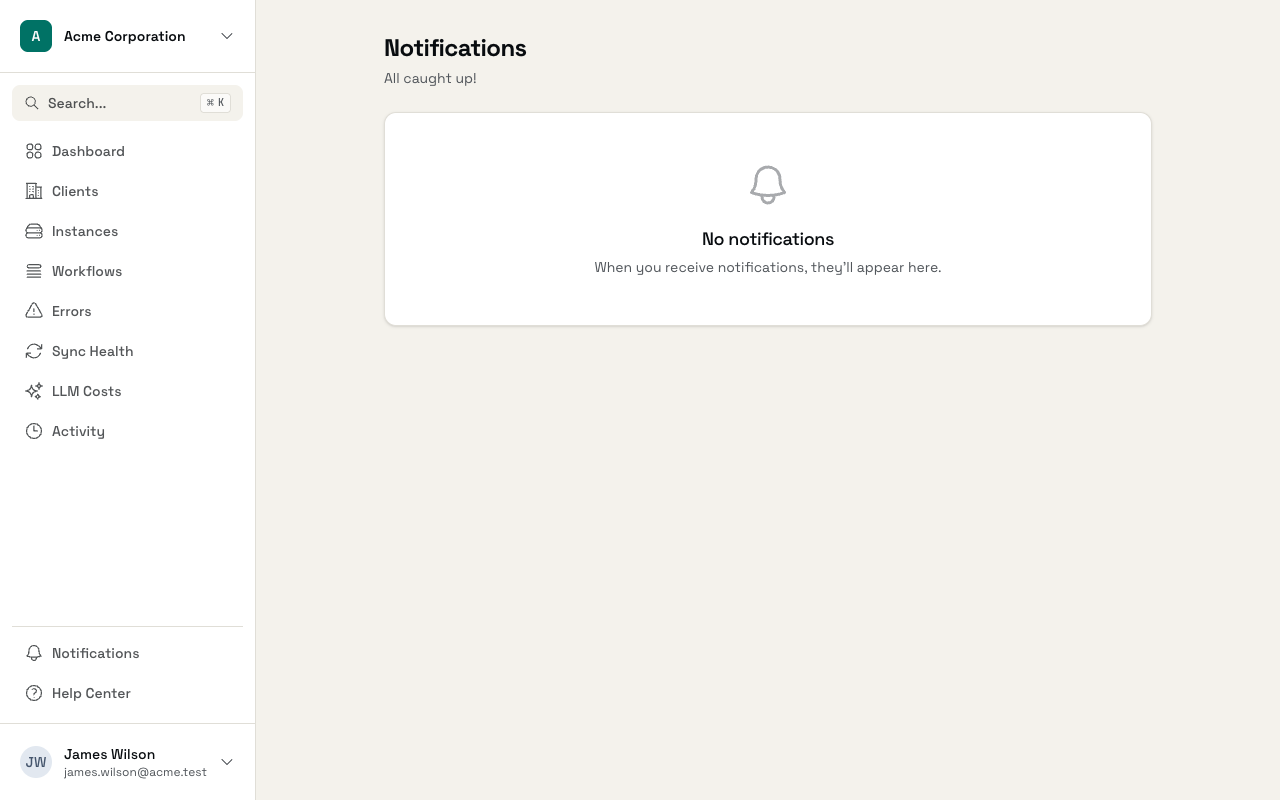
The notifications page shows all your in-app notifications in one place.
Accessing Notifications
Click Notifications in the sidebar, or go directly to /app/notifications.
Notification Types
You'll see notifications for events like:
- Team invitations
- New members joining
- Role changes
- Subscription updates
- System announcements
Each notification shows an icon indicating its type, a title, optional details, and when it was sent.
Unread vs Read
Unread notifications have a blue highlight. The header shows how many unread notifications you have.
Marking as Read
You can mark notifications as read in several ways:
- Click a notification to mark it read and navigate to the related page
- Click the checkmark icon on an individual notification
- Click Mark all as read at the top to clear all unread notifications at once
Archiving Notifications
Click the X icon on any notification to archive it. Archived notifications are removed from your list.
Empty State
When you've caught up on everything, you'll see "All caught up!" with no notifications listed.