Know About Problems Before Clients Do
Workflow failures, budget overruns, sync issues - get notified the moment something goes wrong. Route alerts to Slack, email, or any webhook endpoint.
Why You're Always Playing Catch-Up
Without proactive alerts, you're reacting instead of preventing.
Finding Out Too Late
Your client's automation has been failing for three days. You find out when they email asking why their CRM isn't updating. By then, the damage is done.
Manual Monitoring Doesn't Scale
Checking n8n dashboards for 20+ clients every morning? That's an hour of your day gone. And you still miss the failures that happen at 3am.
Budget Surprises
A workflow started calling GPT-4 instead of GPT-3.5. You notice when the invoice arrives. By then, the client's already over budget.
Alerts That Actually Help
Know what's broken, what's at risk, and what's about to go over budget.
Workflow Failure Alerts
Get notified when workflows fail. Set alerts for specific clients, instances, or error categories. Never miss a broken automation again.
Client At Risk Detection
Automatic alerts when a client's failure rate exceeds 20%. Know who needs attention before they start complaining.
LLM Budget Warnings
Get notified when clients approach 80% of their budget, and again when they exceed it. No more surprise overages.
Sync Failure Notifications
Know immediately when data stops flowing. If an n8n instance becomes unreachable or credentials expire, you'll hear about it.
Webhook Delivery
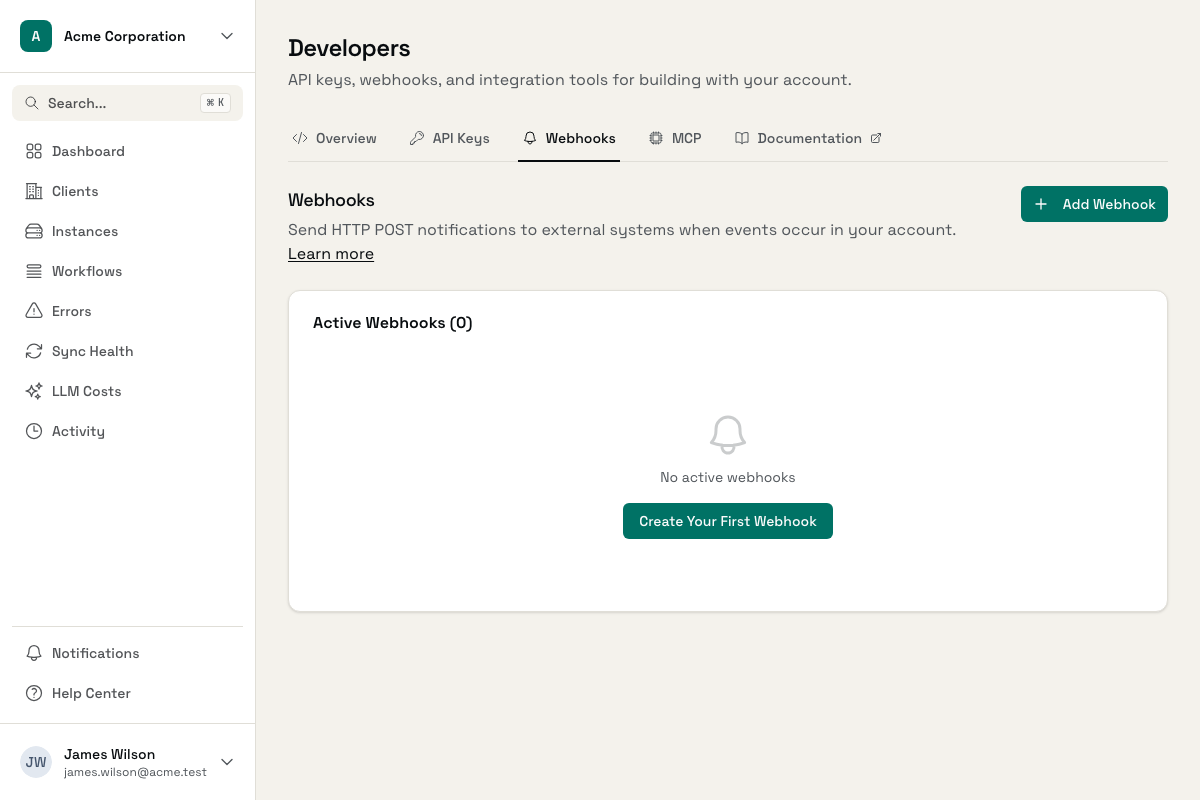
Push alerts to Slack, email, PagerDuty, or any system that accepts webhooks. Route different alert types to different channels.
In-App Notifications
See alerts in the Administrate dashboard with one-click navigation to the source. Fix issues without switching contexts.
Stay Ahead of Issues
Configure alerts once, stay informed forever.
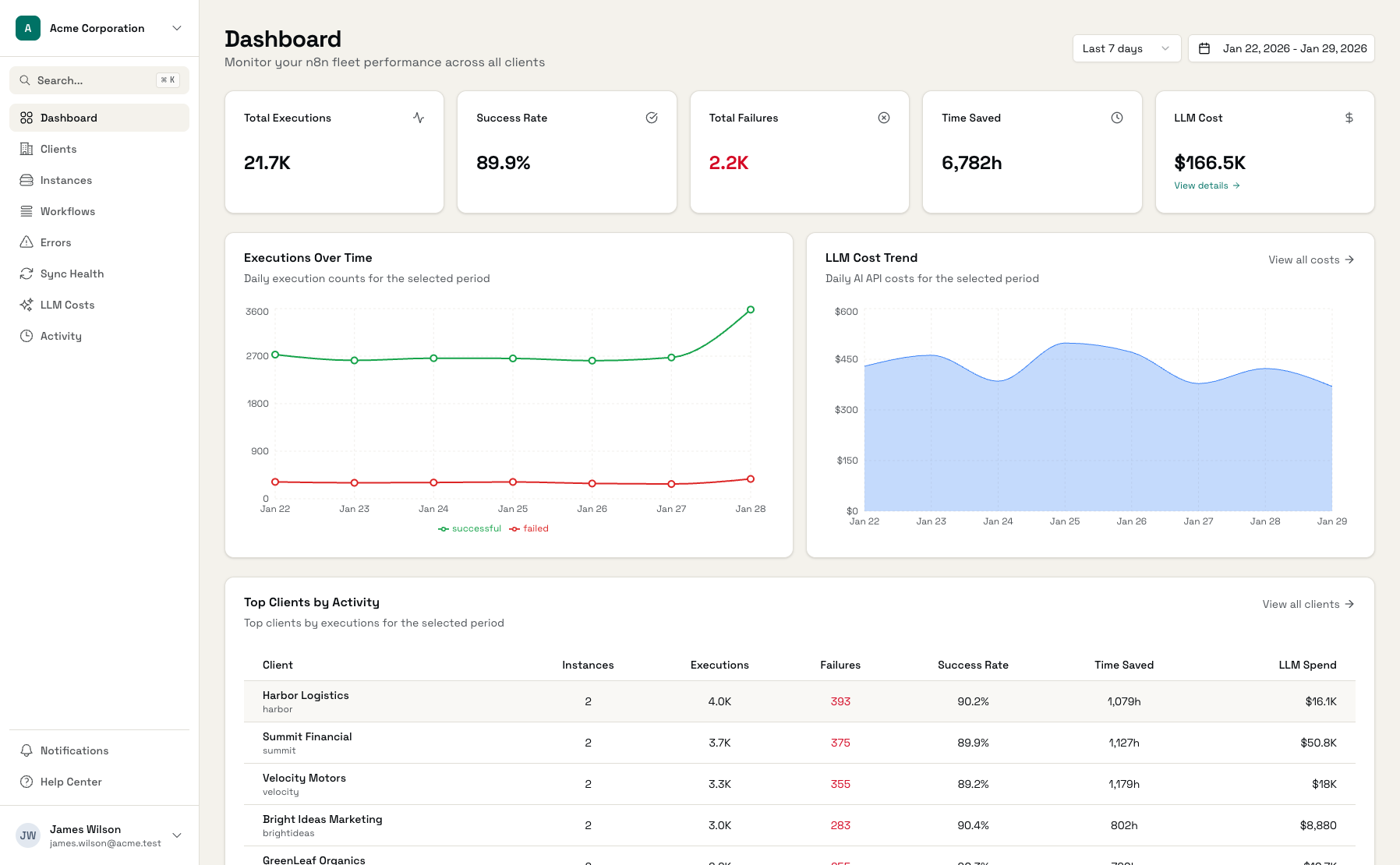
Alert Dashboard
All active alerts in one place with severity indicators
Webhook Configuration
Route alerts to Slack, email, or custom endpoints
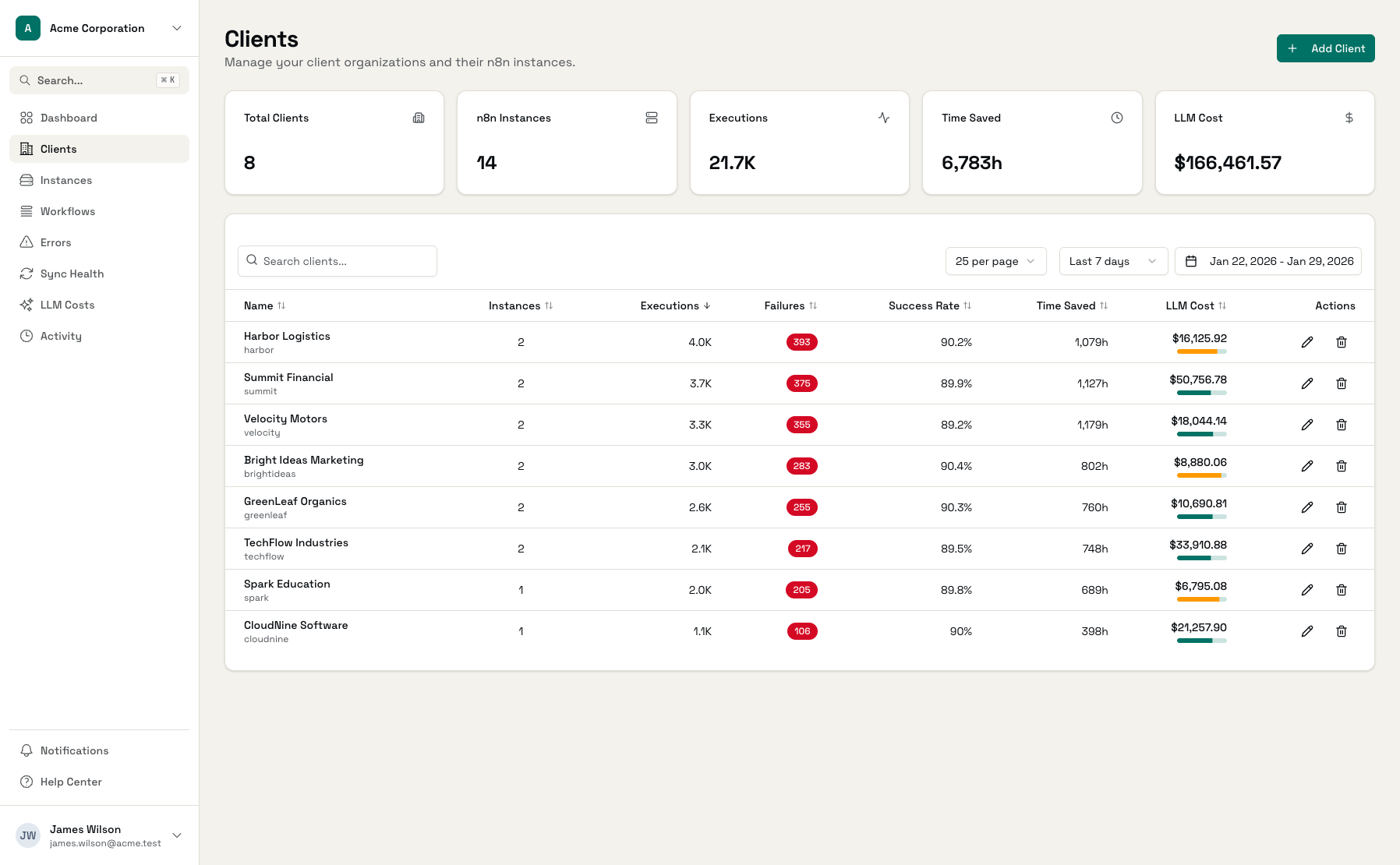
Client Risk Detection
Automatically flag clients with high failure rates
Get Alerts Running in Minutes
Connect Your Instances
Add n8n instances and LLM providers
Configure Alert Channels
Set up webhooks for Slack, email, or custom endpoints
Get Notified
Alerts fire automatically when issues occur
Frequently Asked Questions
What types of alerts can I receive?
How do I receive alerts?
Can I set different alerts for different clients?
How quickly are alerts sent?
What happens if my webhook endpoint is down?
Can I pause alerts for maintenance?
Stop Reacting, Start Preventing
Set up proactive alerts and fix issues before clients notice them. Included with Listing Pro.