Manage Every n8n Instance From One Dashboard
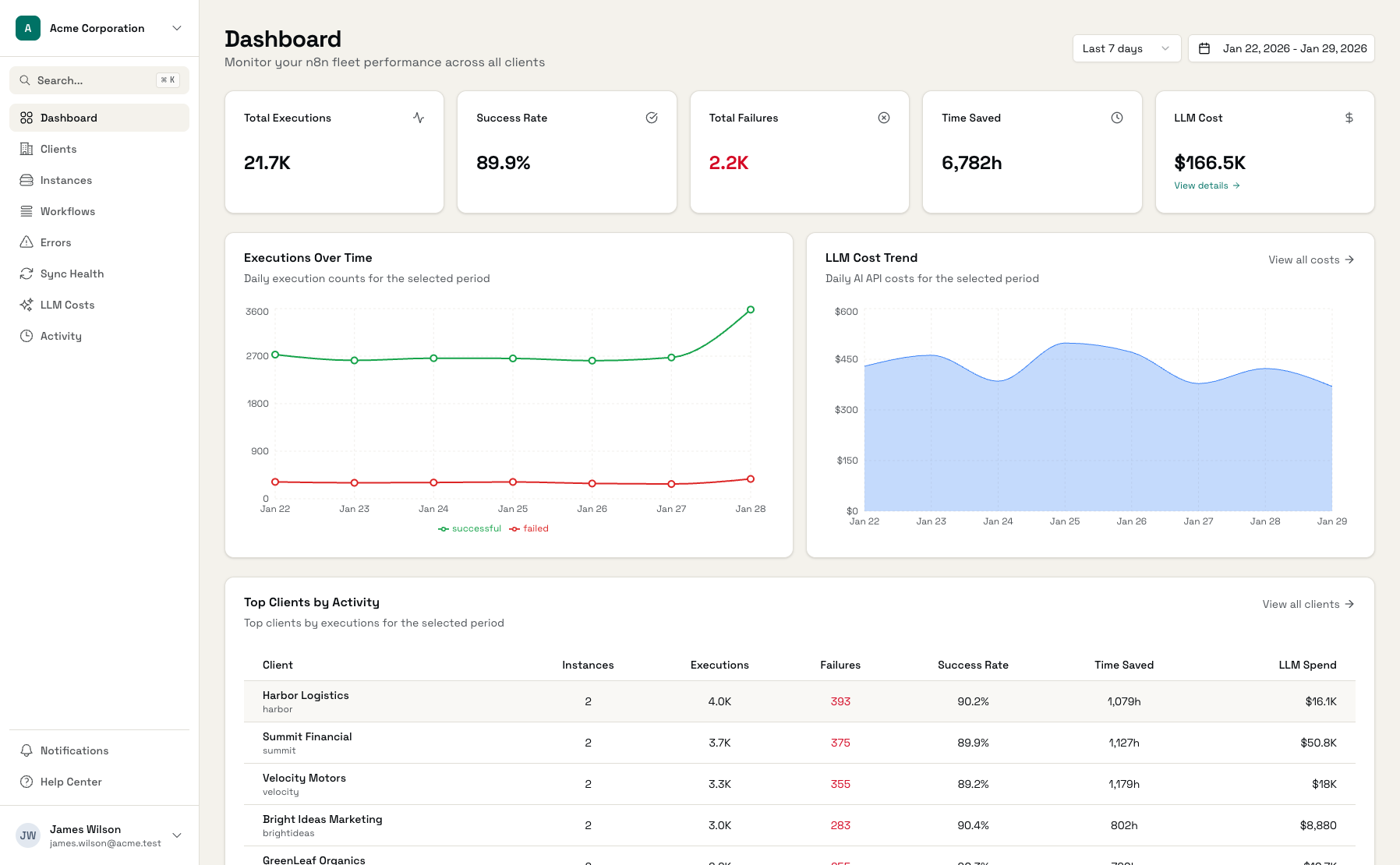
Stop logging into 15 different n8n instances. See all your workflows, all your errors, and all your clients in one unified dashboard built for agencies running n8n at scale.
Built specifically for n8n workflow automation
Works with n8n Cloud and self-hosted instances
The Challenge of Managing Multiple n8n Instances
n8n is powerful for individual workflows. But when you're managing dozens of instances across clients, visibility becomes a nightmare.
Instance Sprawl
You've got 15 n8n instances across different clients. Some on AWS, some on DigitalOcean, one on a client's own server. Keeping track of which is which? That's a spreadsheet problem.
Silent Failures
A workflow broke on Tuesday. The client found out on Friday when their data stopped syncing. You found out from an angry email. n8n doesn't notify you when workflows fail across instances.
No Cross-Instance View
n8n's built-in dashboard shows one instance at a time. To see total executions, success rates, and errors across all clients? Manual logging or guesswork.
Everything You Need to Manage n8n at Scale
A single dashboard for all your n8n instances, organized by client.
Multi-Instance Dashboard
See all your n8n instances in one place. Total executions, success rates, and errors across your entire fleet - grouped by client for easy navigation.
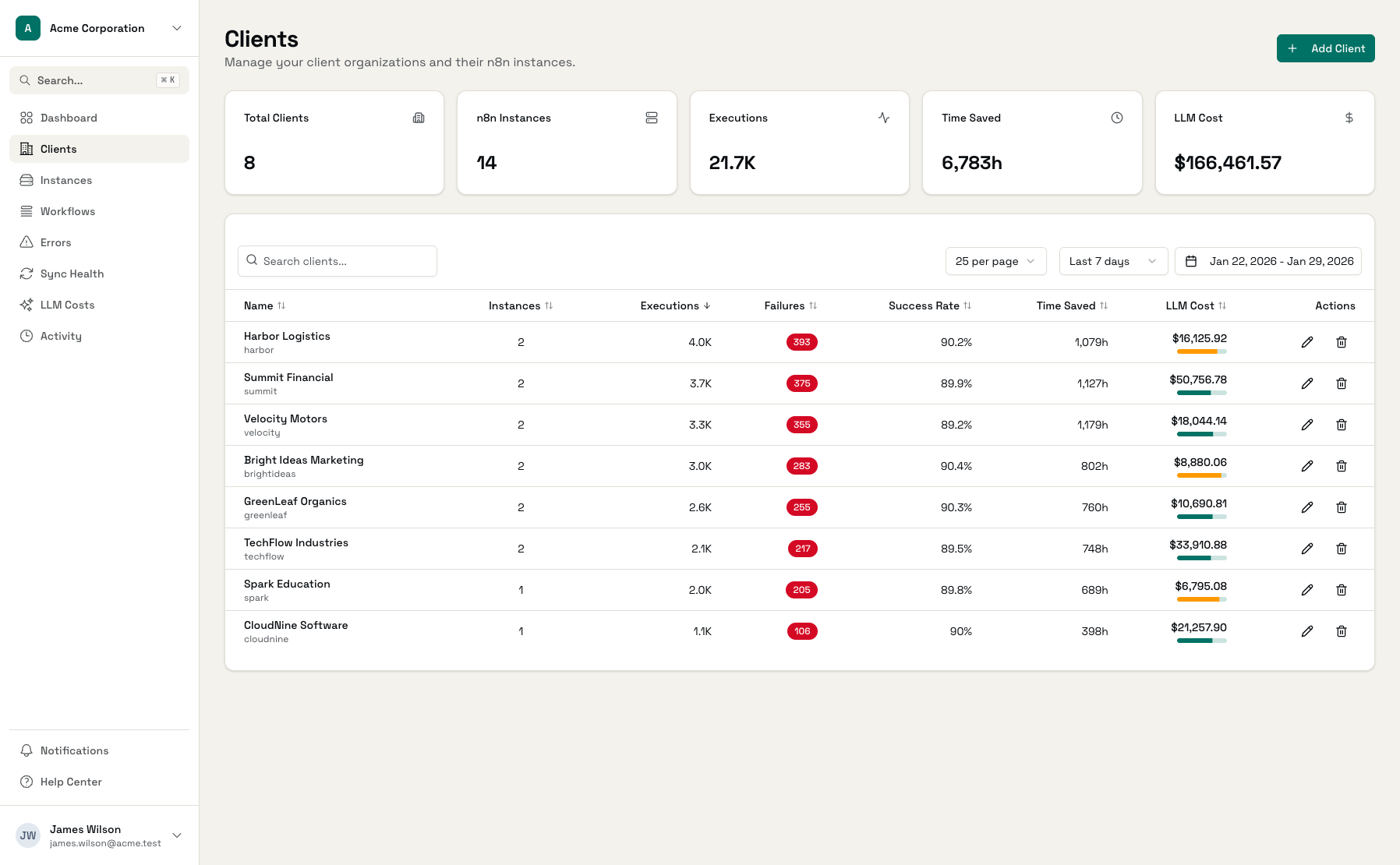
Client Grouping
Organize instances by client. See each client's workflows, executions, and metrics at a glance. Perfect for agencies managing multiple deployments per client.
Error Monitoring
Every workflow failure captured and categorized: auth errors, rate limits, network issues, data validation. Filter by error type to find patterns fast.
Proactive Alerts
Get notified when workflows fail before clients notice. Email and in-app alerts with smart cooldowns to avoid notification fatigue.
Sync Health Monitoring
Know instantly when a sync fails. See last sync time, status, and records synced for every instance. Manual sync triggers when you need fresh data now.
Time Saved Tracking
Configure time saved estimates per workflow. Show clients the hours saved by their automations each month - a powerful retention metric.
Workflow Insights
Track all workflows across every instance. See execution counts, success rates, duration trends, and drill into any workflow for details.
Deep Links to n8n
One click to jump from Administrate directly into the n8n workflow editor or execution details. Fix issues faster without hunting through instances.
Works With Any n8n Deployment
Self-hosted, n8n Cloud, or a mix of both - manage them all from one place.
Self-Hosted n8n
Docker, Docker Compose, Kubernetes - we support them all
- Any cloud provider
- On-premise servers
- Custom configurations
n8n Cloud
Connect your n8n Cloud instances via API key
- Same dashboard experience
- No extra setup
- Full feature support
Mixed Deployments
Self-hosted and cloud instances in one dashboard
- Unified monitoring
- Client grouping
- Consistent alerting
Start Monitoring in Minutes
Add Instance
Enter your n8n URL and API key
Assign to Client
Group the instance under a client
Start Monitoring
Data syncs automatically within minutes
See Your Entire n8n Fleet at a Glance
Client Overview
All clients with their instances, executions, and success rates
Instance Details
Drill into any instance to see workflows and recent executions
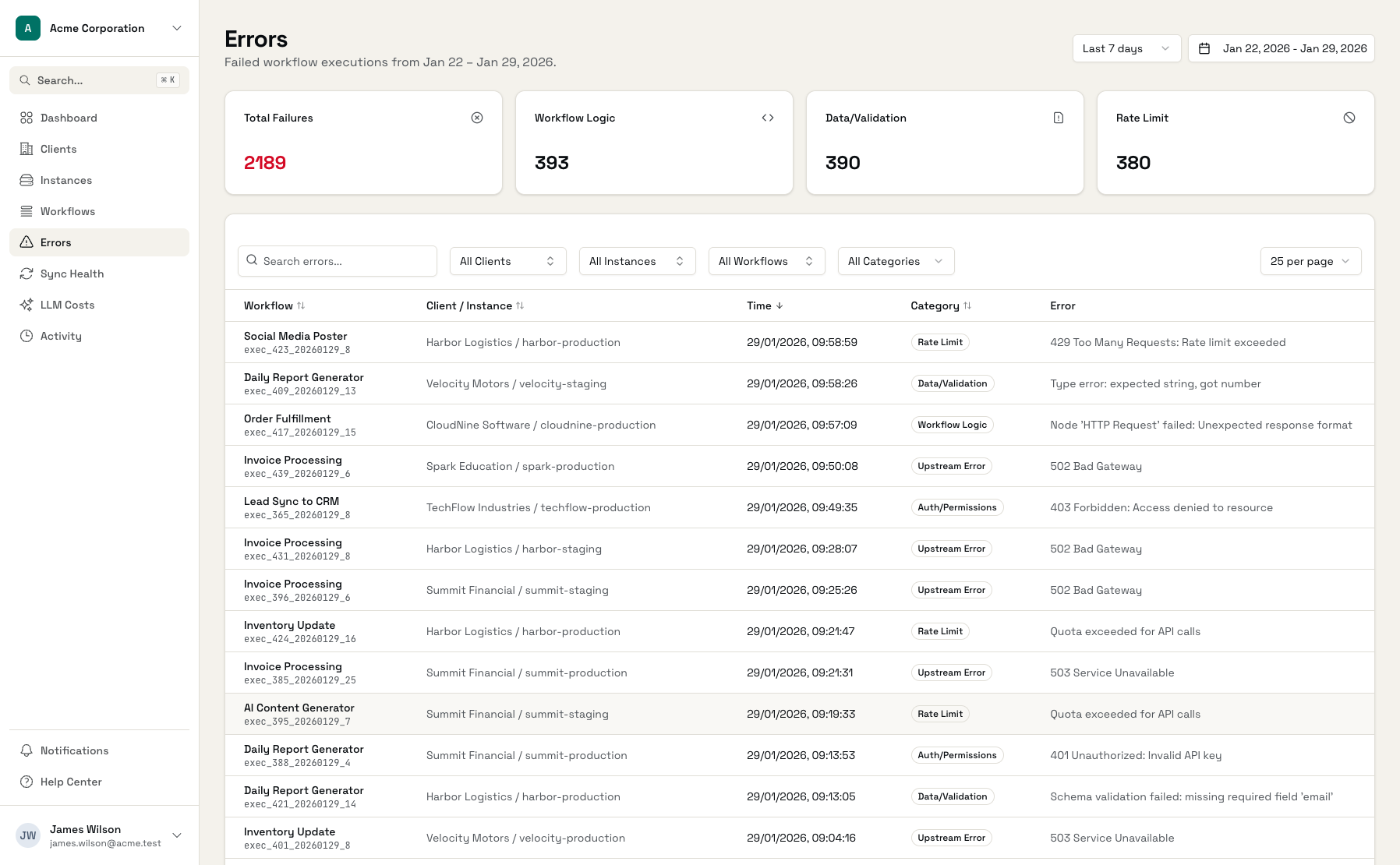
Error Tracking
Categorized errors across all instances with filtering
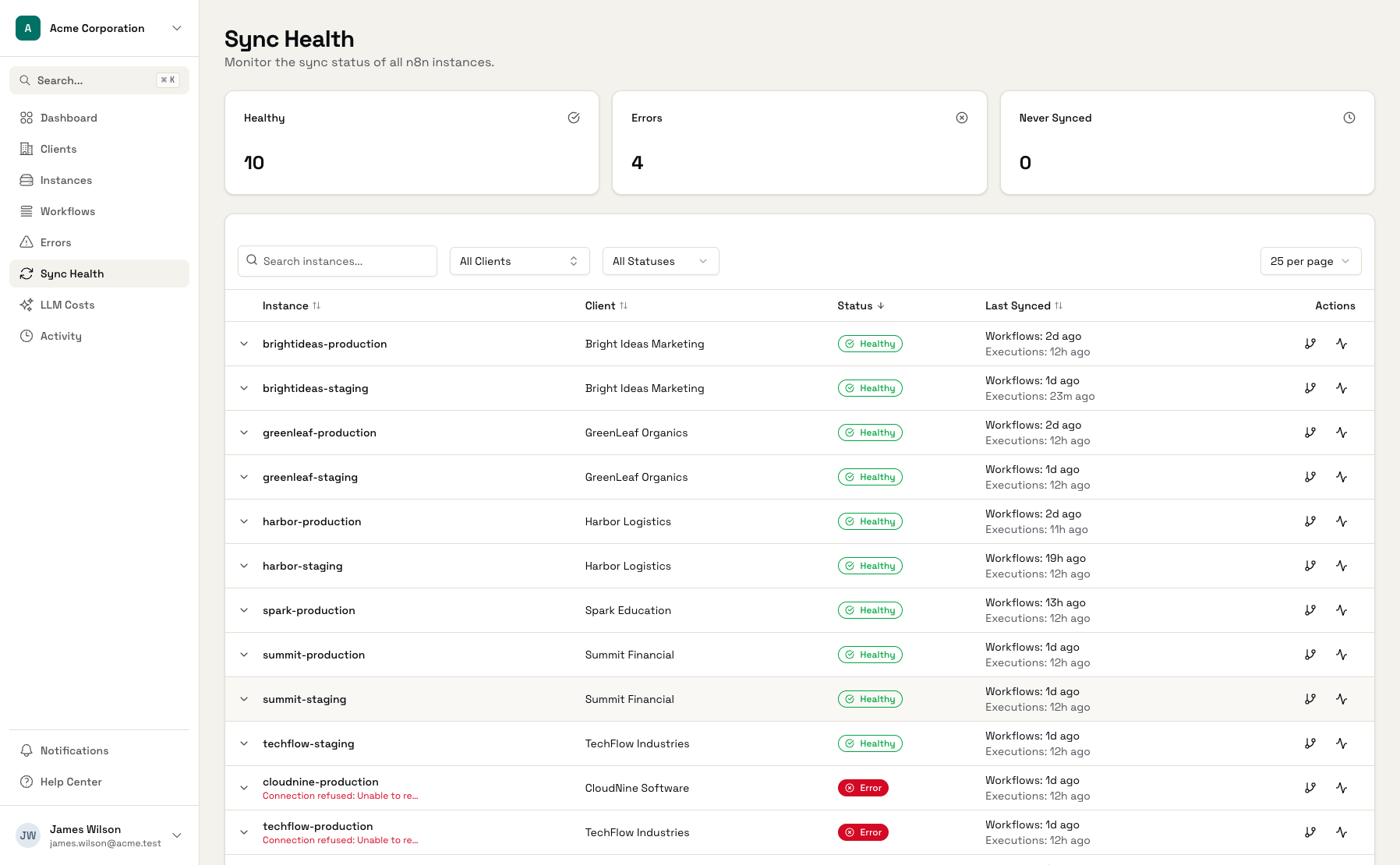
Sync Health
Real-time sync status for every connected instance
Workflow Insights
Performance metrics for each workflow across instances
Proactive Alerts
Configure alerts for failures and anomalies
Frequently Asked Questions
How does n8n management software work?
Does this work with n8n Cloud?
How many n8n instances can I monitor?
Is my n8n data secure?
How often does data sync?
Can I see historical execution data?
Does this replace n8n's built-in monitoring?
See Your n8n Fleet in 5 Minutes
Free plan includes 3 instances. No credit card required.