Every Workflow, Every Instance, One View
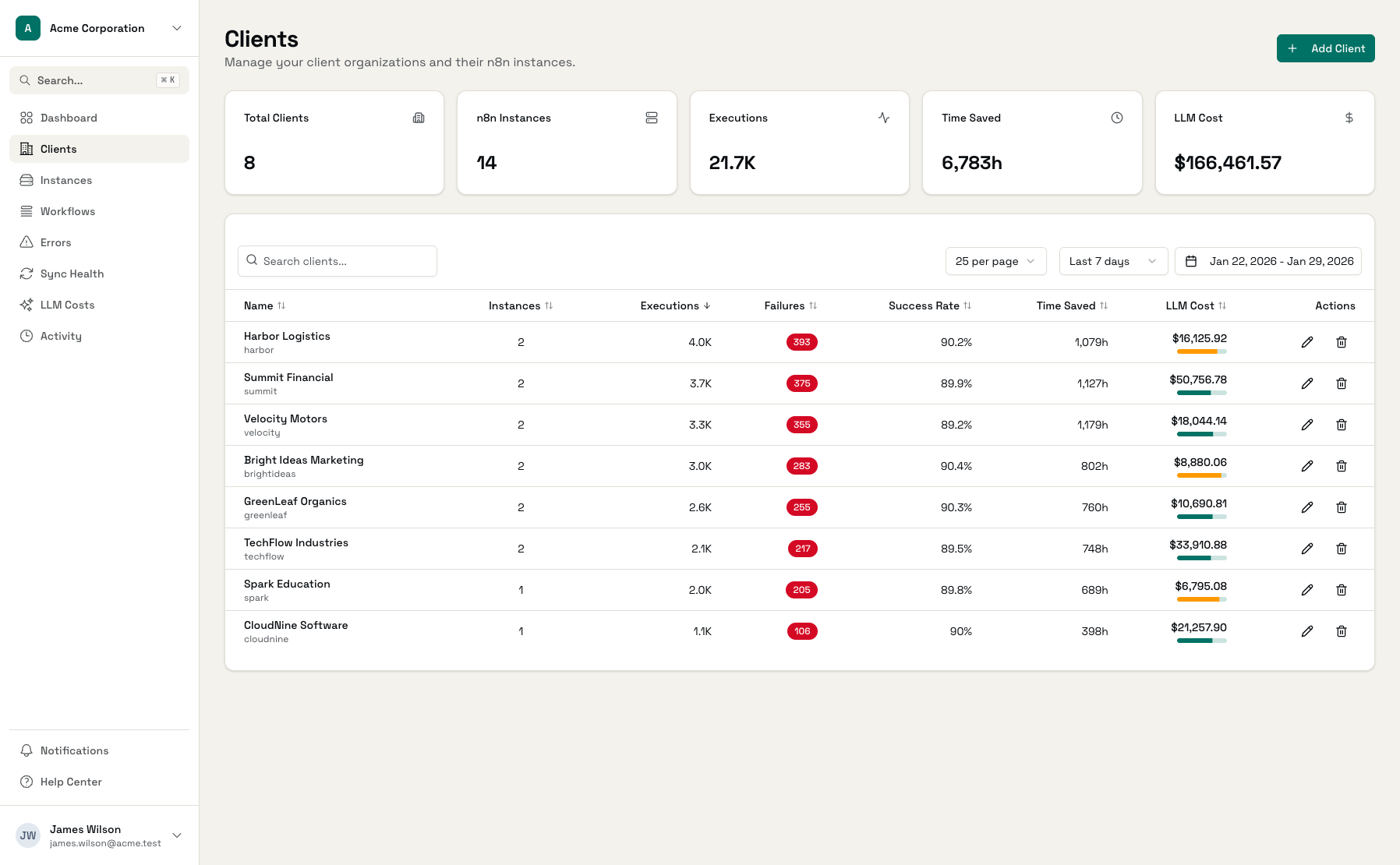
Track all n8n workflows across all instances. Execution metrics, trends over time, and time saved calculations. No more jumping between n8n dashboards.
Why Workflow Visibility Matters
You can't optimize what you can't see.
Workflows Scattered Across Instances
Your client has 3 n8n instances with 50 workflows each. Finding which workflow handles what, or comparing performance across instances, means opening multiple tabs and manual checking.
No Execution Trends
n8n shows recent executions, but not trends over time. Is this workflow running more or less than last month? Are failures increasing? That requires spreadsheet exports and manual analysis.
Time Saved is Invisible
You built a workflow that saves 10 minutes per run. It's executed 500 times this month. That's 83 hours saved - but you can't show that to your client without manual calculation.
Complete Workflow Visibility
Everything you need to understand your automation fleet.
All Workflows, One View
See every workflow across every n8n instance. Filter by client, instance, or search by name. No more jumping between n8n dashboards.
Execution Metrics
Execution count, success rate, and failure count for any date range. Understand which workflows are most used and most problematic.
Execution Trends
Charts showing successful vs failed executions over time. Spot patterns: is usage growing? Are failures spiking on certain days?
Time Saved Tracking
Configure minutes saved per successful execution. See total hours saved per workflow, client, or across your whole fleet.
Recent Failures
View recent failures for any workflow with error messages and timestamps. Jump to full error details with one click.
Direct Links to n8n
Open any workflow directly in its n8n instance. One click from Administrate to the n8n editor.
Deep Workflow Analytics
From high-level overview to detailed per-workflow metrics.
Workflow List
All workflows across all instances with key metrics
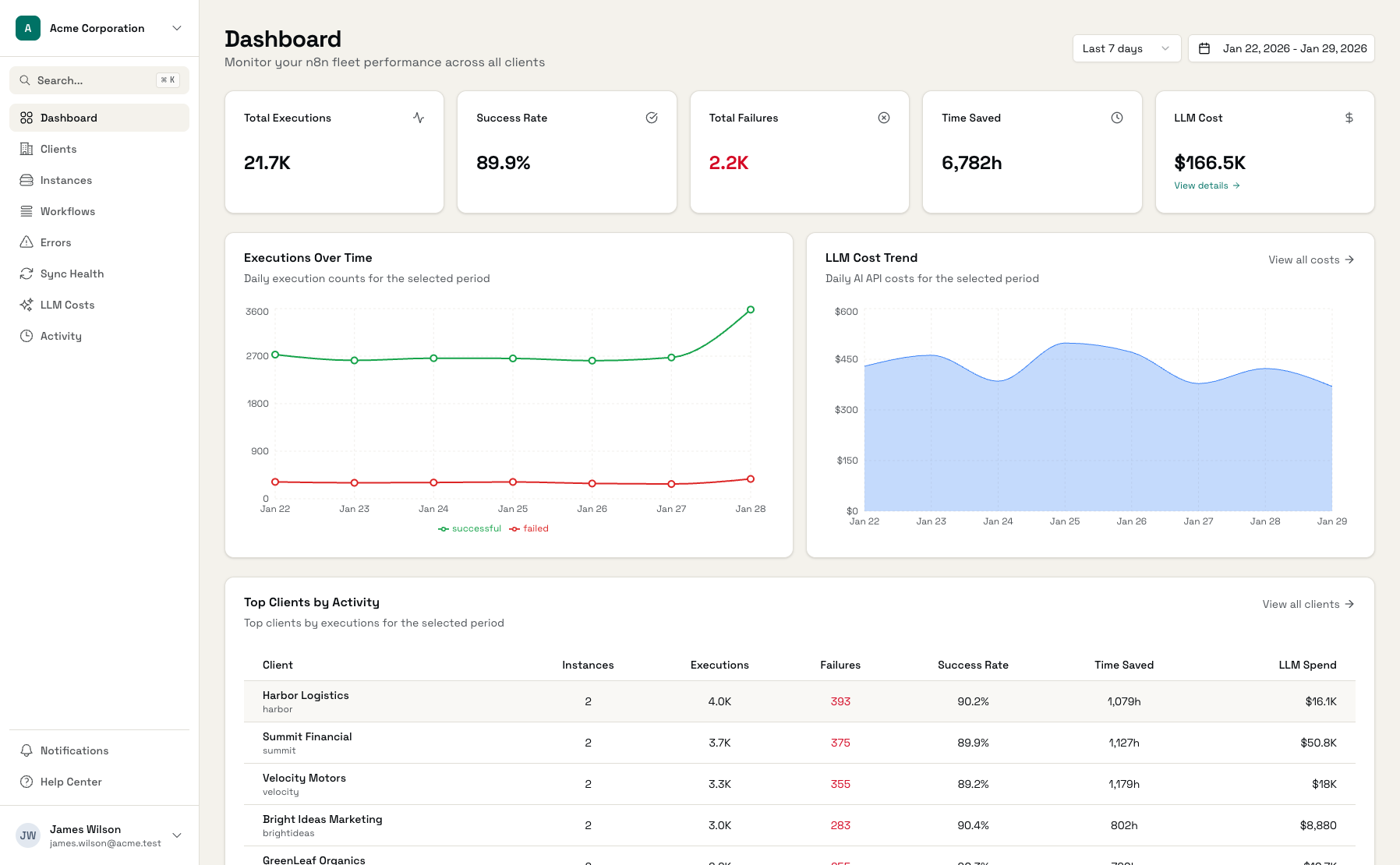
Execution Trends
Charts showing executions over time by status
Workflow Detail
Deep dive into any workflow with metrics and recent failures
Start Tracking Workflows in Minutes
Connect n8n Instances
Add API keys for your n8n deployments
Workflows Sync Automatically
All workflows appear within an hour
Configure Time Saved
Set minutes saved per workflow for ROI tracking
Frequently Asked Questions
How are workflows synced?
Can I see workflows from multiple instances?
How does time saved tracking work?
Can I see execution history for a workflow?
What if a workflow exists in multiple instances?
Can I open workflows directly in n8n?
See All Your Workflows in One Place
Connect your n8n instances and get complete workflow visibility.