Every Client, Every Instance, One Dashboard
Organize clients with multiple n8n instances, track per-client metrics, and monitor LLM budgets. No more spreadsheets or scattered notes.
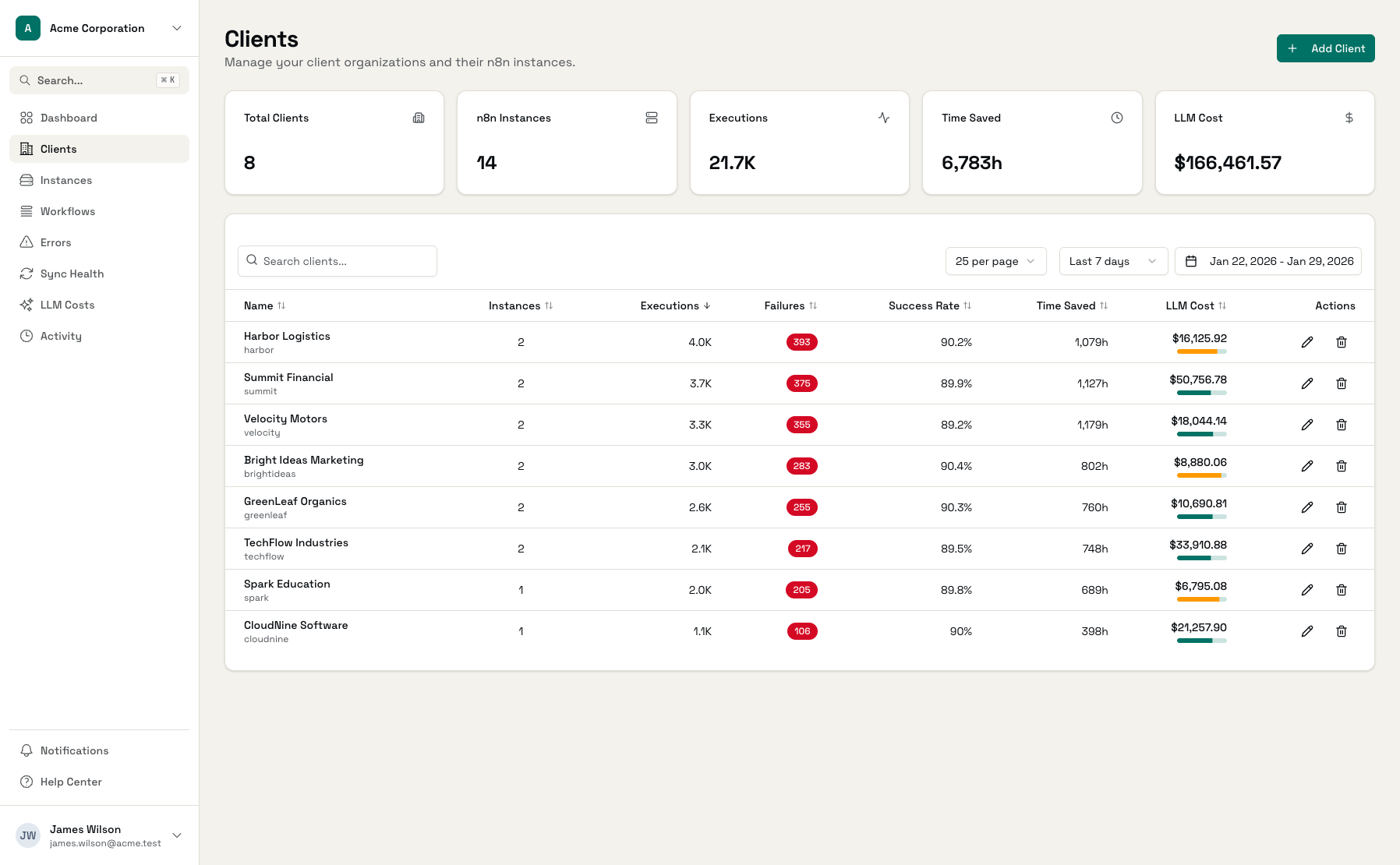
Why Client Management Gets Messy
As your client base grows, tracking everything gets harder.
Scattered Client Data
Client info in your CRM, n8n credentials in a password manager, workflow notes in docs. When something breaks, you're hunting across five different places.
No Per-Client Visibility
You know total executions across all clients, but which client had the most failures this week? Who hasn't run a workflow in a month? That takes manual digging.
Budget Tracking by Spreadsheet
Tracking LLM budgets per client in a spreadsheet is tedious and error-prone. You find out about overages when clients complain about invoices.
Client Management Built for Scale
Everything you need to keep track of clients, their instances, and their metrics.
Client Profiles
Each client has a profile with contact info, notes, timezone, and monthly LLM budget. Everything in one place.
Multi-Instance Support
Assign multiple n8n instances to one client. See aggregated metrics across all their instances without switching views.
Per-Client Metrics
Total executions, success rate, failure count, time saved, LLM costs - all scoped to each client and filterable by date range.
Budget Tracking
Set monthly LLM budgets per client. See budget usage percentage and get alerts at 80% and 100% thresholds.
Client Risk Detection
Automatically flag clients with failure rates above 20%. Know who needs attention before they reach out.
Workflow Inventory
See all workflows across all of a client's instances. Execution counts, success rates, and time saved per workflow.
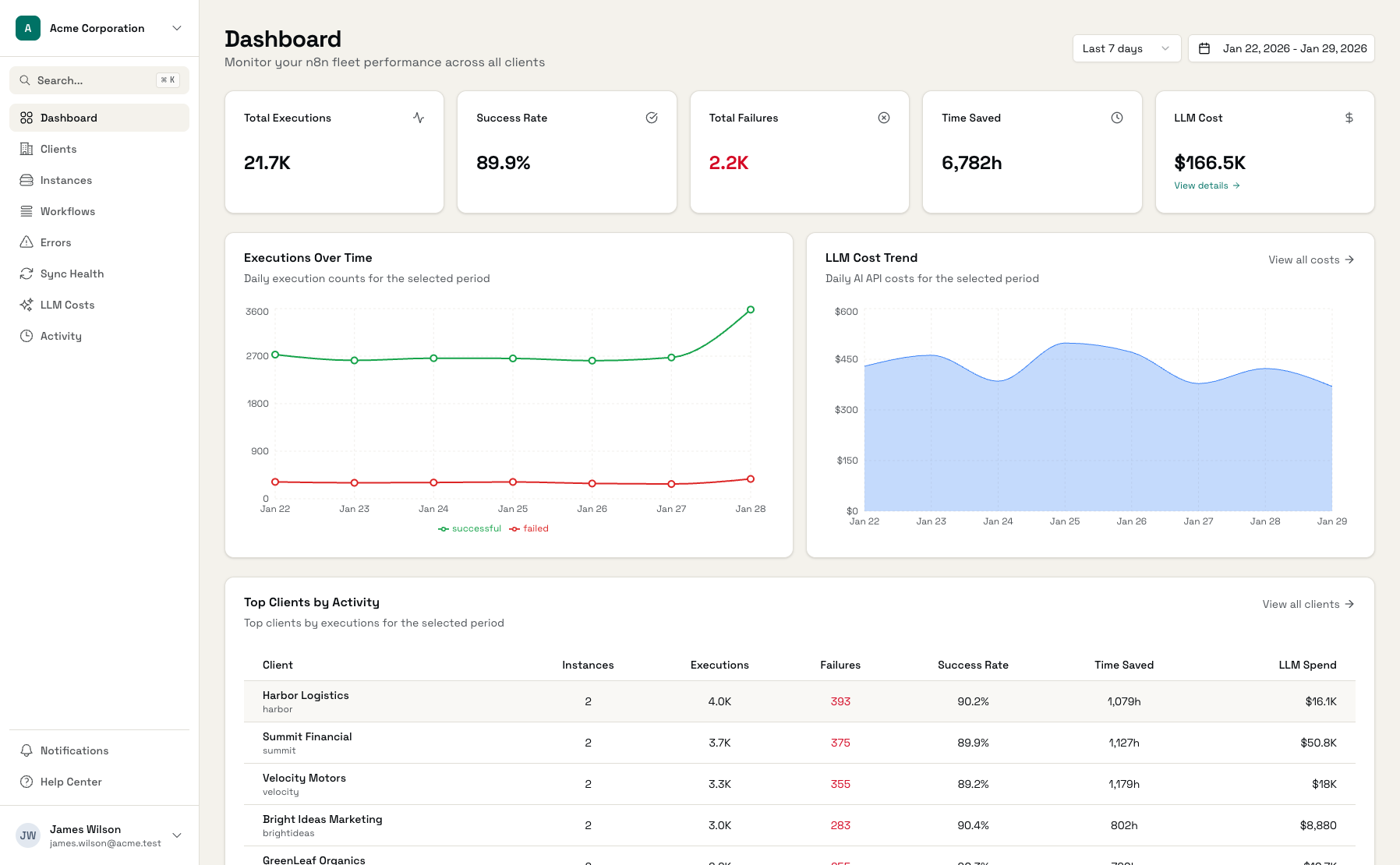
Your Client Base at a Glance
From high-level overview to detailed per-client metrics.
Client List
All clients with key metrics at a glance
Client Detail
Deep dive into any client's instances and workflows
Client Metrics
Executions, success rates, and time saved over time
Get Organized in Minutes
Add a Client
Name, contact email, timezone, and optional notes
Connect n8n Instances
Add API keys for each of the client's n8n instances
Set Budget (Optional)
Configure monthly LLM budget for automated tracking
Frequently Asked Questions
Can a client have multiple n8n instances?
What client information is stored?
How do budgets work?
What does 'client at risk' mean?
Can I see historical data per client?
How do I assign LLM costs to clients?
Stop Juggling Client Spreadsheets
Add your first client and connect their n8n instances. See metrics in minutes.