Know When Data Stops Flowing
See sync status for every n8n instance at a glance. Last sync times, error messages, and manual triggers. Never trust stale data again.
Why Sync Visibility Matters
Your monitoring is only as good as your data freshness.
Stale Data, Blind Spots
Your dashboard shows green lights, but the last sync was 6 hours ago. A client's workflow has been failing all morning and you have no idea.
Credential Expiration Surprises
An n8n API key expired and syncs stopped silently. You find out when a client asks why their metrics aren't updating.
No Visibility into Sync Status
Did the last sync succeed? How many records were updated? When did it run? Without answers, you're trusting that everything just works.
Complete Sync Visibility
Everything you need to trust that your data is current.
Sync Status at a Glance
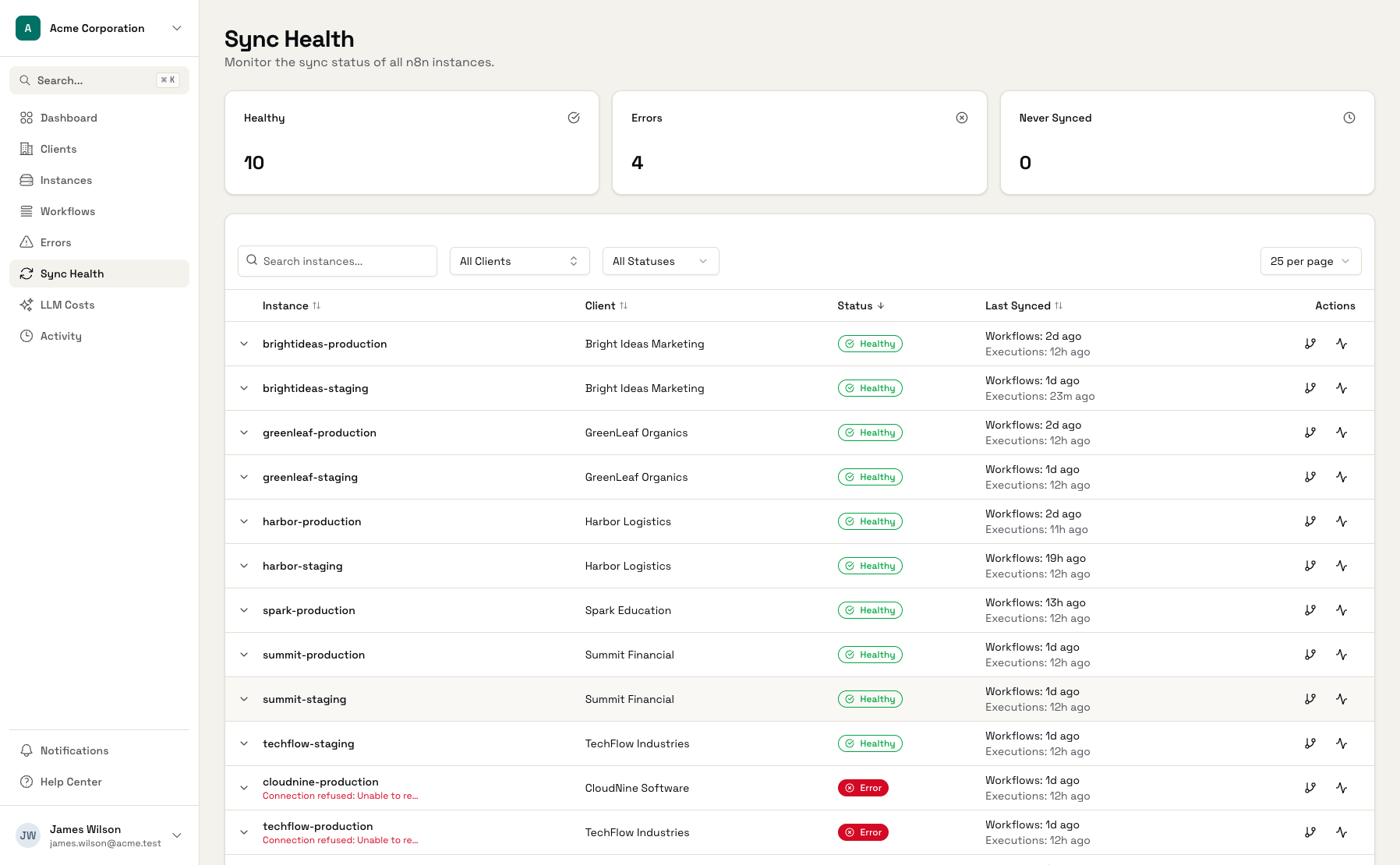
See every n8n instance with last sync time and status: never synced, OK, or error. Know immediately which instances need attention.
Sync History
View the last 10 sync runs per instance. See sync type (workflows or executions), duration, records created/updated, and any error messages.
Manual Sync Triggers
Need fresh data now? Click 'Sync now' to trigger an immediate sync for any instance. 'Sync all' refreshes everything at once.
Sync Failure Alerts
Get notified when syncs fail. Know immediately when an instance becomes unreachable or credentials stop working.
Records Tracking
Each sync shows how many workflows and executions were created or updated. Useful for understanding data flow and spotting anomalies.
Error Details
When syncs fail, see the error message. Authentication issues, network errors, rate limits - know exactly what went wrong.
Sync Status at a Glance
See every instance, every sync, every status.
Sync Health Dashboard
All instances with sync status and last sync times
Sync History
Recent sync runs with status, duration, and record counts
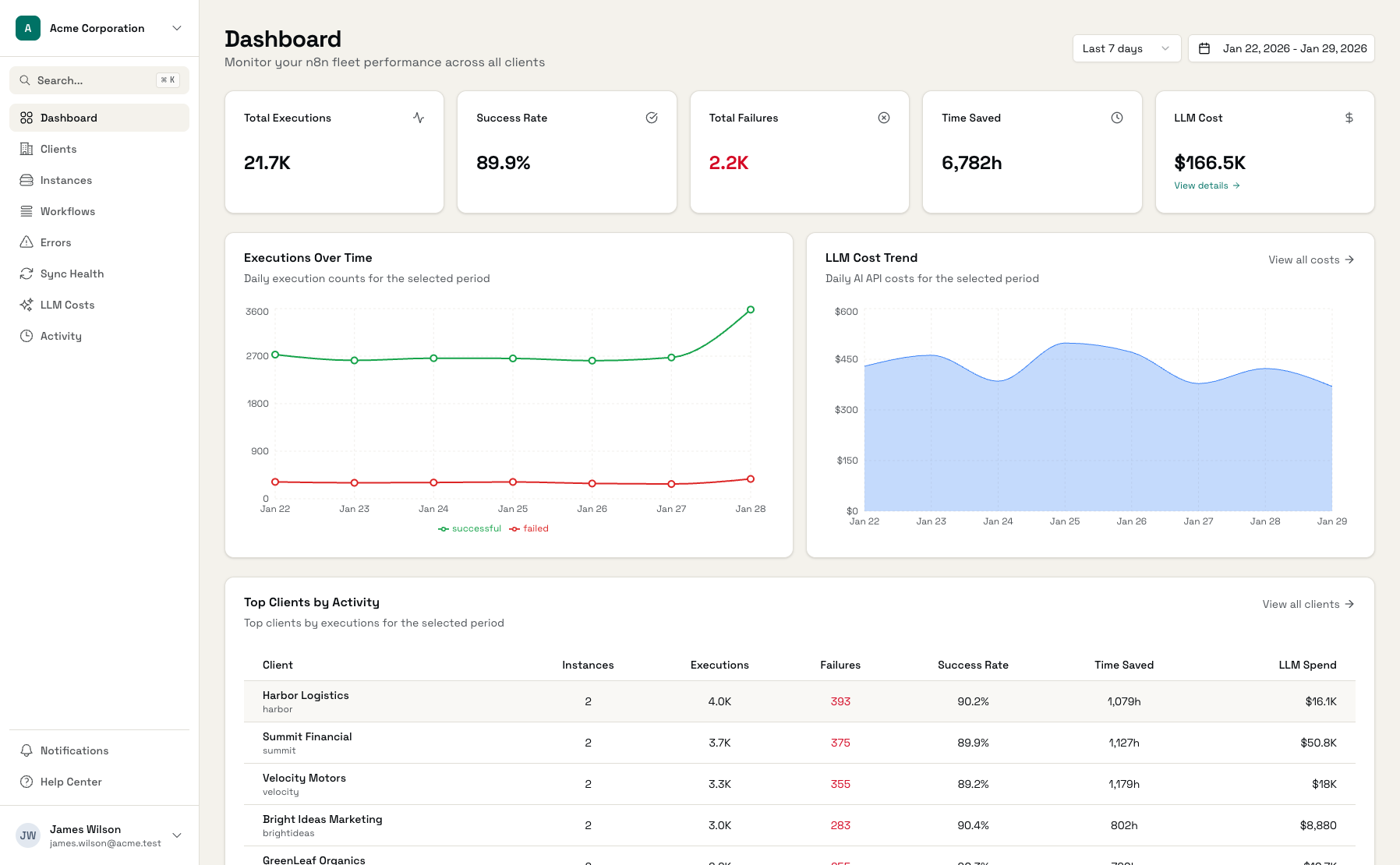
Manual Sync Controls
Trigger syncs on demand when you need fresh data
Automatic Syncing, Full Visibility
Connect n8n Instances
Add API keys for your n8n deployments
Syncs Run Automatically
Workflows hourly, executions every 5 minutes
Monitor Sync Health
Check the dashboard or get alerts on failures
Frequently Asked Questions
How often do syncs run?
What causes sync failures?
What happens when a sync fails?
Can I pause syncs for maintenance?
Is there a way to see sync history?
How do I know if my data is fresh?
Trust Your Monitoring Data
Connect your n8n instances and always know when data is current.