Data Export
Download your personal data as a ZIP file.
What's Included
- Profile info
- Team memberships
- Activity history
- Preferences
- Uploaded files
- API tokens (metadata, not secrets)
What's Not Included
- Passwords
- Other users' data
- Billing history (from Stripe separately)
Requesting
Go to Settings and scroll to the Privacy & Data section:
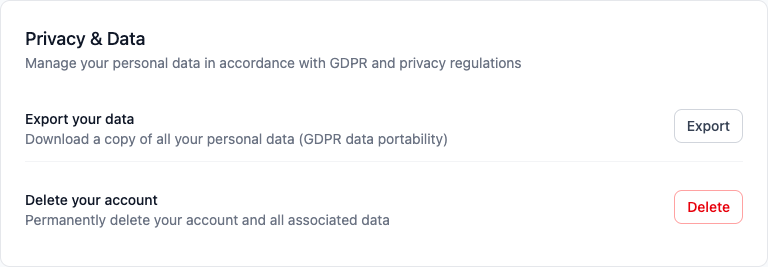
- Click Export Your Data
- Wait a few minutes for processing
- Check your email for the download link
Format
ZIP file with JSON data, uploaded files, and a README.
Limits
Available for 7 days. One export per 24 hours.