Profile Settings
Your profile helps team members identify you across the platform. Update it at /app/settings.
Accessing Profile Settings
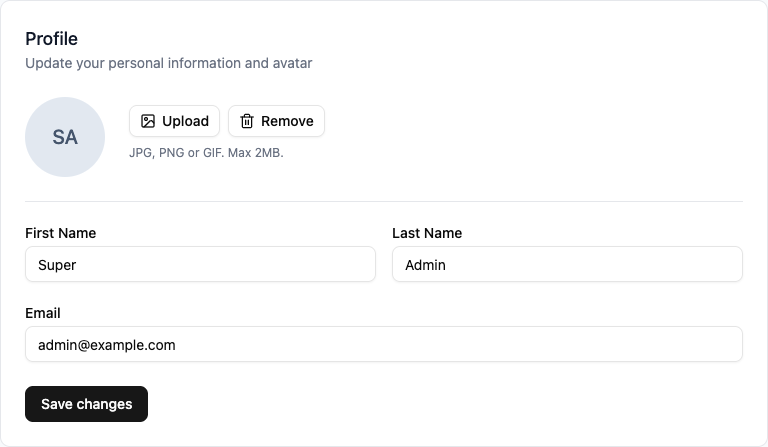
Go to Settings to view your profile form:
What You Can Update
Personal Information
- First name and last name
- Bio or description
Profile Picture
- Upload a custom avatar
- Supported formats: JPG, PNG, GIF
- Recommended size: 256x256 pixels or larger
Deleting Your Avatar
To remove your avatar and use your initials instead:
- Go to Profile Settings
- Click Delete below your current avatar
- Confirm the deletion
Tips
- Use a recognizable photo so team members can easily identify you
- Keep your name up to date, especially if it changes
- A complete profile builds trust with your team