Creating Your Account
Setting up takes a few minutes.
Sign Up
- Visit the signup page
- You can sign up using social login buttons at the top:

- Or enter your email and password:
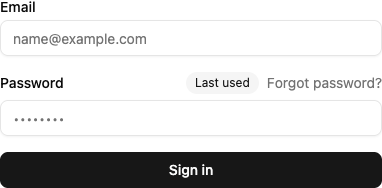
- Choose your preferred sign-in method:
- Password
- Passkey (Face ID, Touch ID, Windows Hello)
- Social login (Google, GitHub)
- Verify your email
- Create or join an organization
Password Requirements
If using password authentication: - At least 8 characters - Mix of letters and numbers recommended
After Signup
You'll need to confirm your email before accessing all features. Then either create an organization or accept an invitation to join one.