Reset Your Password
If you forgot your password, you can reset it.
Steps
- Go to the login page and click "Forgot password?"
- Enter your email address:
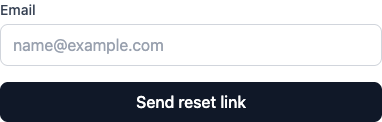
- Click Send reset link
- Check your email for the reset link
- Click the link and enter a new password
Link Expiration
Reset links expire after 15 minutes. Request a new one if it expires.
Still Stuck?
- Make sure you're using the right email
- Check spam
- Contact support