Push Events to Any System in Real Time
Webhook delivery with HMAC signatures and automatic retries. Connect Slack, email, PagerDuty, or any system that accepts HTTP callbacks.
Why Polling Doesn't Cut It
Real-time events need push delivery, not constant checking.
Polling for Updates
Hitting an API every few seconds to check for changes wastes resources and still leaves you seconds behind. Real-time events need push, not pull.
Manual Notification Setup
Building a custom integration for every alert channel - Slack, email, PagerDuty - is weeks of work. And maintaining it is a recurring headache.
Disconnected Systems
Monitoring data in one place, ticketing in another, billing in a third. Without real-time connections, you're copy-pasting between systems.
Webhooks That Just Work
Reliable delivery, secure signatures, and full visibility.
Event-Based Delivery
Webhooks fire when things happen: new client, updated instance, workflow created, provider connected, API key issued. React to events as they occur.
HMAC Signatures
Every webhook payload is signed with a secret key. Verify the signature to confirm requests are genuinely from Administrate.
Automatic Retries
Failed deliveries are retried automatically. After 10 consecutive failures, the webhook is disabled and you're notified. Re-enable when your endpoint is back.
Failure Warnings
Get notified after 5 consecutive delivery failures. You'll know there's a problem before the webhook is disabled.
Delivery Logs
See every delivery attempt with status, response code, and timestamp. Debug failed webhooks without guessing.
Flexible Event Selection
Subscribe to specific events or all events. Route different event types to different endpoints.
Full Control Over Event Delivery
Configure, monitor, and debug your webhook integrations.
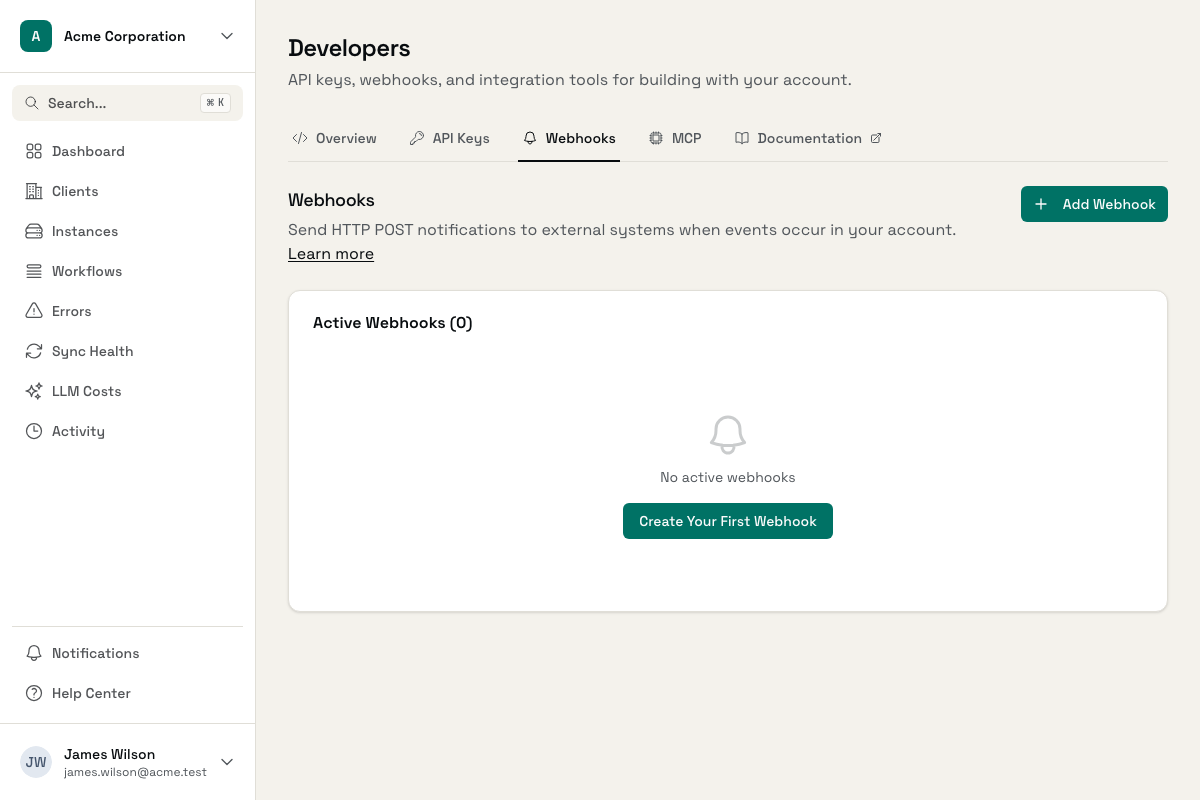
Webhook Configuration
Set up endpoints with event subscriptions and signing secrets
Delivery History
Track every delivery attempt with status and response codes
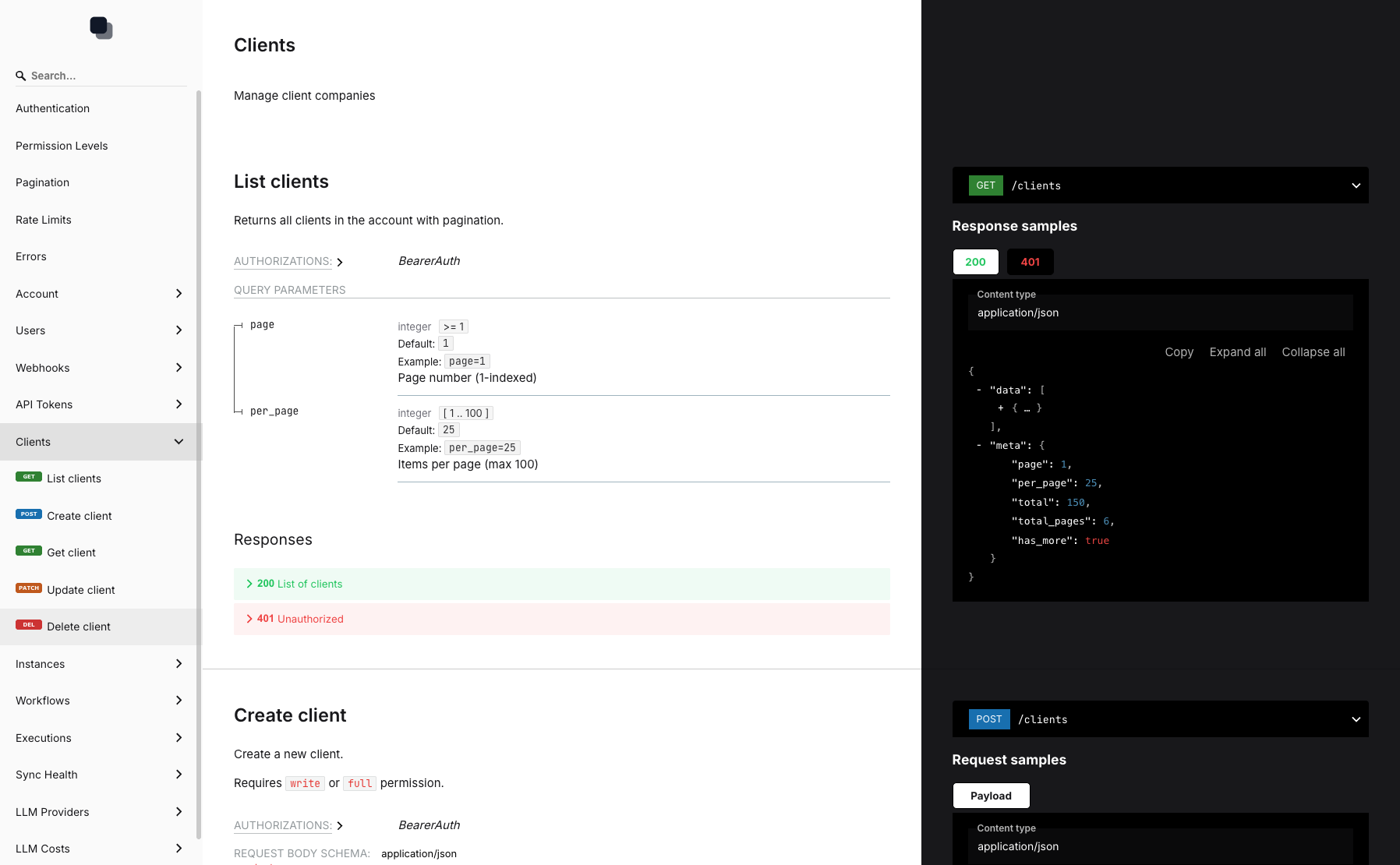
Event Types
Subscribe to client, instance, workflow, and provider events
Connect Your Systems in Minutes
Add Endpoint URL
HTTPS URL where you want events delivered
Select Events
Choose which event types to receive
Verify Signatures
Use the signing secret to validate payloads
Frequently Asked Questions
What events can I subscribe to?
How do I verify webhook signatures?
What happens if my endpoint is down?
Can I have multiple webhooks?
Is HTTPS required?
How quickly are webhooks delivered?
Connect Administrate to Your Stack
Set up webhook endpoints and start receiving events in real time.